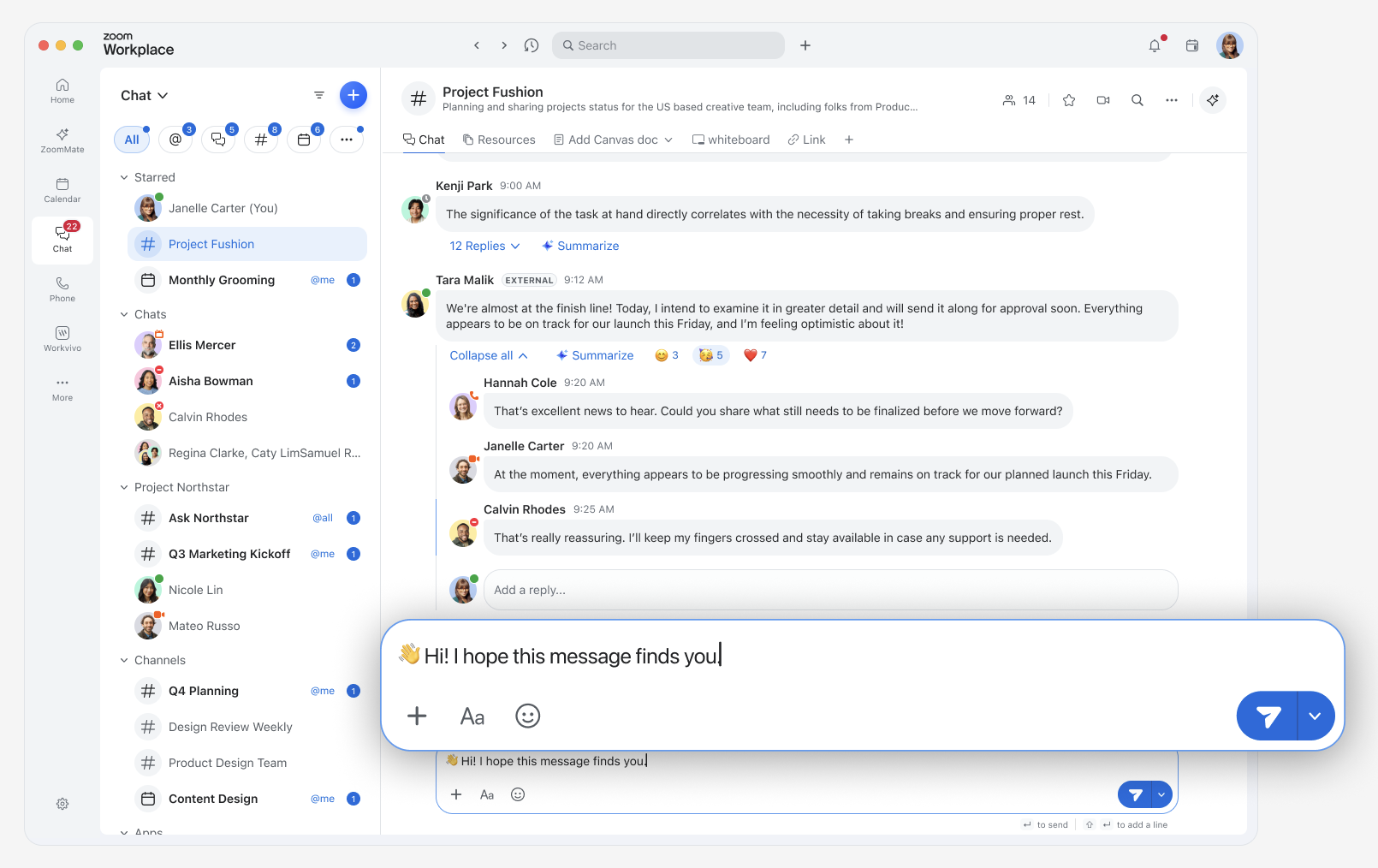
The new Zoom Chat experience brings conversations to the forefront, streamlines everyday communication, and introduces a modern design that helps teams collaborate more efficiently across Zoom Workplace. As organizations continue to evolve with more integrated workflows and communication needs, the new Zoom Chat experience was redesigned with key goals in mind:
This article explains what’s new in the Zoom Chat experience, how it benefits users, and what organizations can do to prepare for the transition.
Note: The new Zoom Chat experience will gradually roll out to customers over time.
Simplified compose box: A cleaner, more streamlined compose box makes it easier to focus on writing messages. You can personalize it by adding or removing tools based on what you use most, customize the send button, choose whether Enter sends a message or starts a new line, and auto-translate messages directly in the compose box.
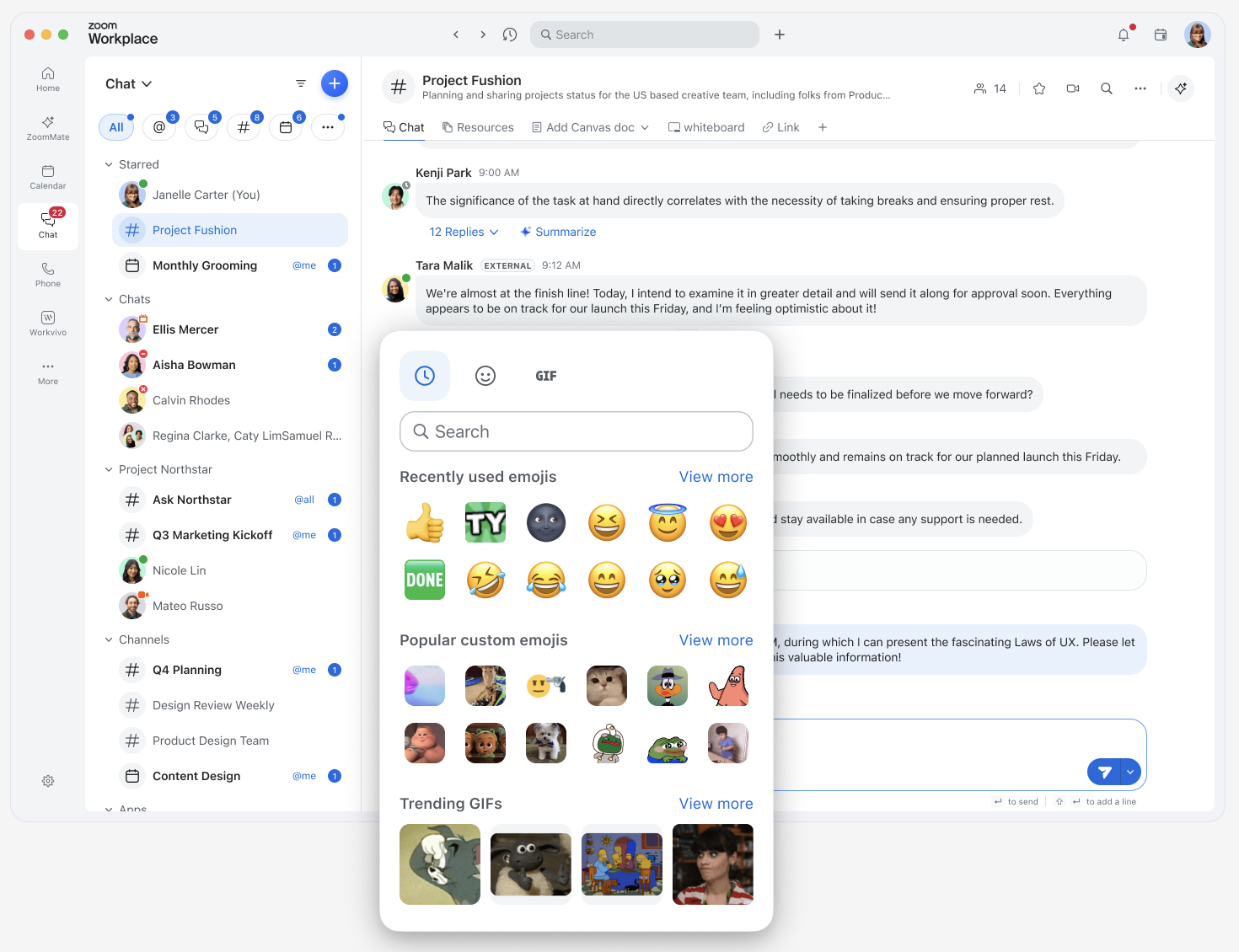
Unified expression picker (Emojis & GIFs): Emojis and GIFs are combined into a single picker with global search, making it faster to find the right way to express how you're feeling, whether that's a reaction, a visual response, or a bit of fun.
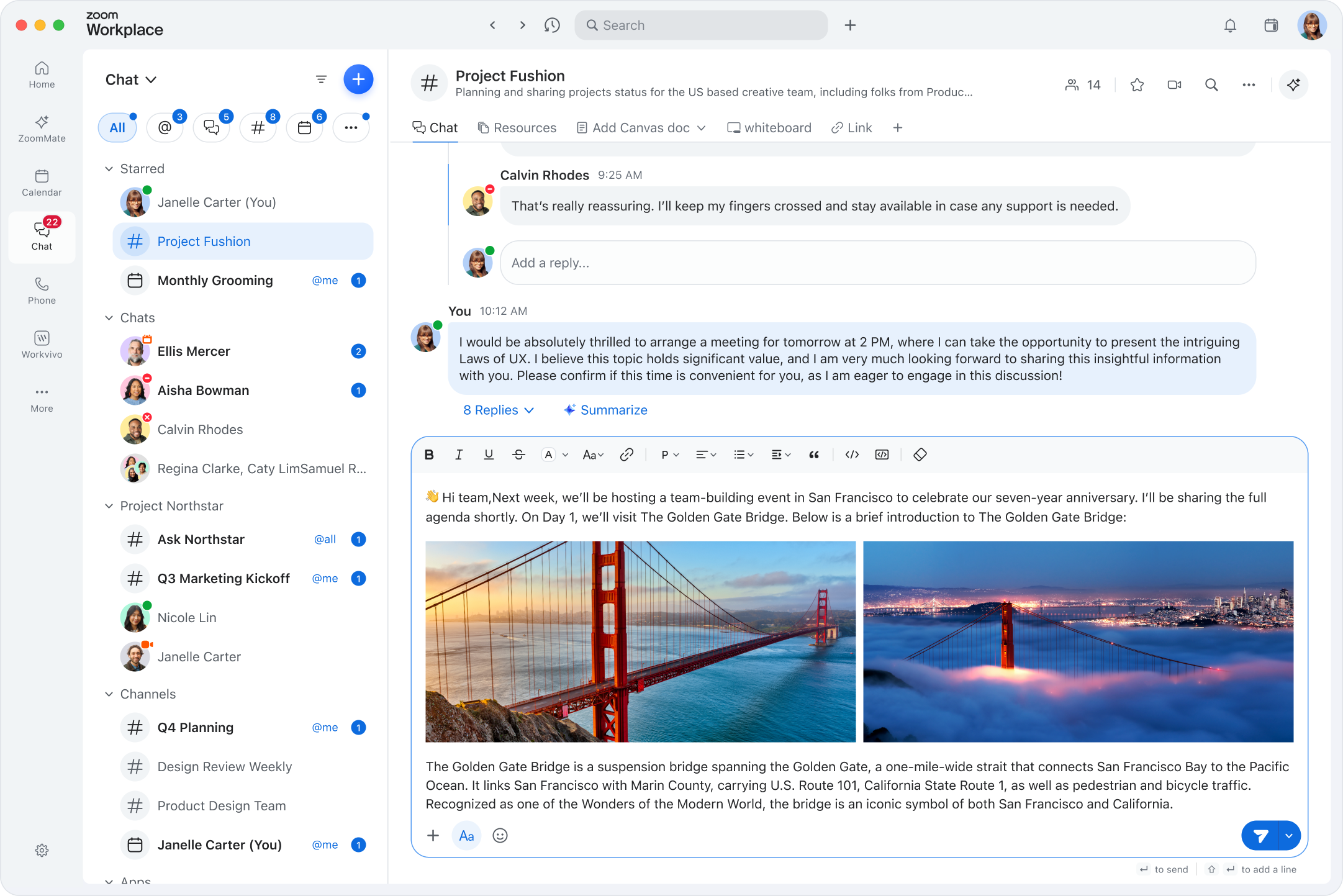
Inline images and files: Compose messages with images and files placed directly inline with your text. You can reorder them as needed, making it easier to reference specific visuals or documents exactly where they matter in your message.
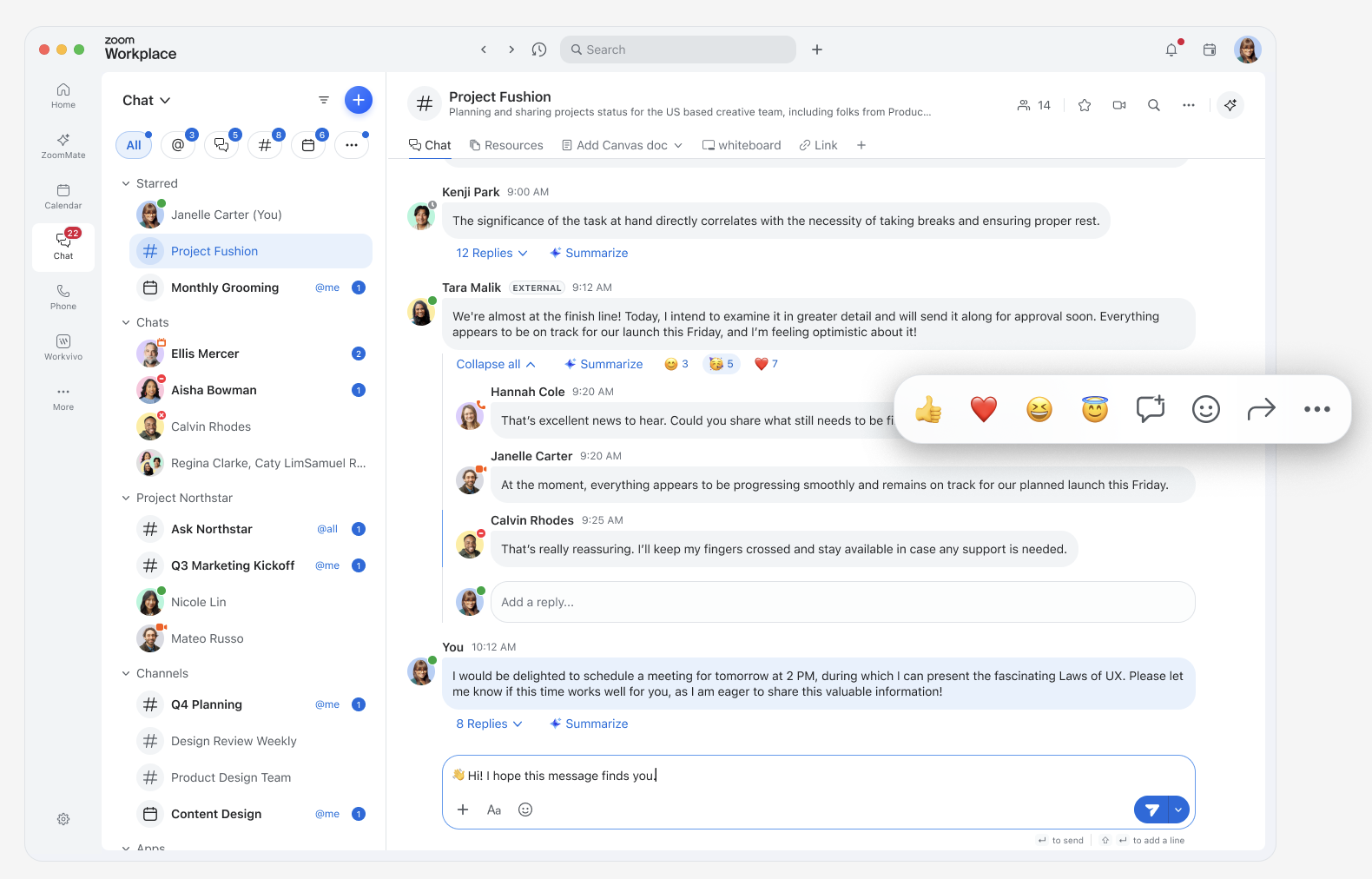
Quick hover message actions: Common message actions are just one click away. React instantly using your recently used emojis without opening the message menu, and customize the quick hover menu to match how you work.
How do I access the new Zoom Chat experience?
The updated experience is enabled automatically. If you don't see it, confirm that your Zoom desktop app is updated to version 7.0.5 or later, and restart your desktop app.
How do I confirm that Zoom works properly with my organization's security software?
Confirm that Zoom is excluded from antivirus or DLP (Data Loss Prevention) restrictions.